Share:

Facebook Competitor Analysis: Everything You Need to Outperform Your Rivals in 2025

Facebook Competitor Analysis

What is Facebook Competitor Analysis?

Facebook competitor analysis is the process of studying your competitors’ performance on Facebook to understand their strategies, strengths, and weaknesses. 

By looking into metrics like engagement rates, posting frequency, and content quality, businesses can uncover insights that help them craft better strategies. This practice goes beyond simple observation; it involves collecting data systematically and interpreting it to drive actionable results.

Why Conduct a Facebook Competitor Analysis?

Conducting a Facebook competitor analysis provides actionable insights into how businesses can gain a competitive edge. Here are the key benefits of undertaking this process:

1. Identify Content Gaps and Opportunities

Identifying content gaps and opportunities involves discovering areas where competitors excel or fall short. By understanding these aspects, businesses can leverage insights to create content that addresses those gaps and stands out in the competitive landscape.

2. Learn from Competitors’ Successes and Mistakes

Studying competitors’ successes and mistakes provides a valuable learning opportunity. Analysing their successful campaigns can inspire innovative strategies, while observing their challenges helps avoid common pitfalls that could hinder your progress.

3. Benchmark Your Performance

Benchmarking performance means comparing key metrics like engagement rates and posting frequency with those of competitors. This helps set realistic goals and provides a clear understanding of where your efforts stand within the industry.

4. Refine Audience Targeting

Refining audience targeting involves studying competitors’ engagement tactics to gain insights into audience preferences and behaviours. These findings enable businesses to sharpen their targeting strategies and improve engagement with their intended audience.

5. Improve Customer Service

Improving customer service through competitor analysis involves assessing response times and communication tones. These insights can help businesses enhance their service to deliver better satisfaction and outperform competitors in customer engagement.

How to Analyze Your Competition Using Our Free Facebook Competitor Analysis Tool

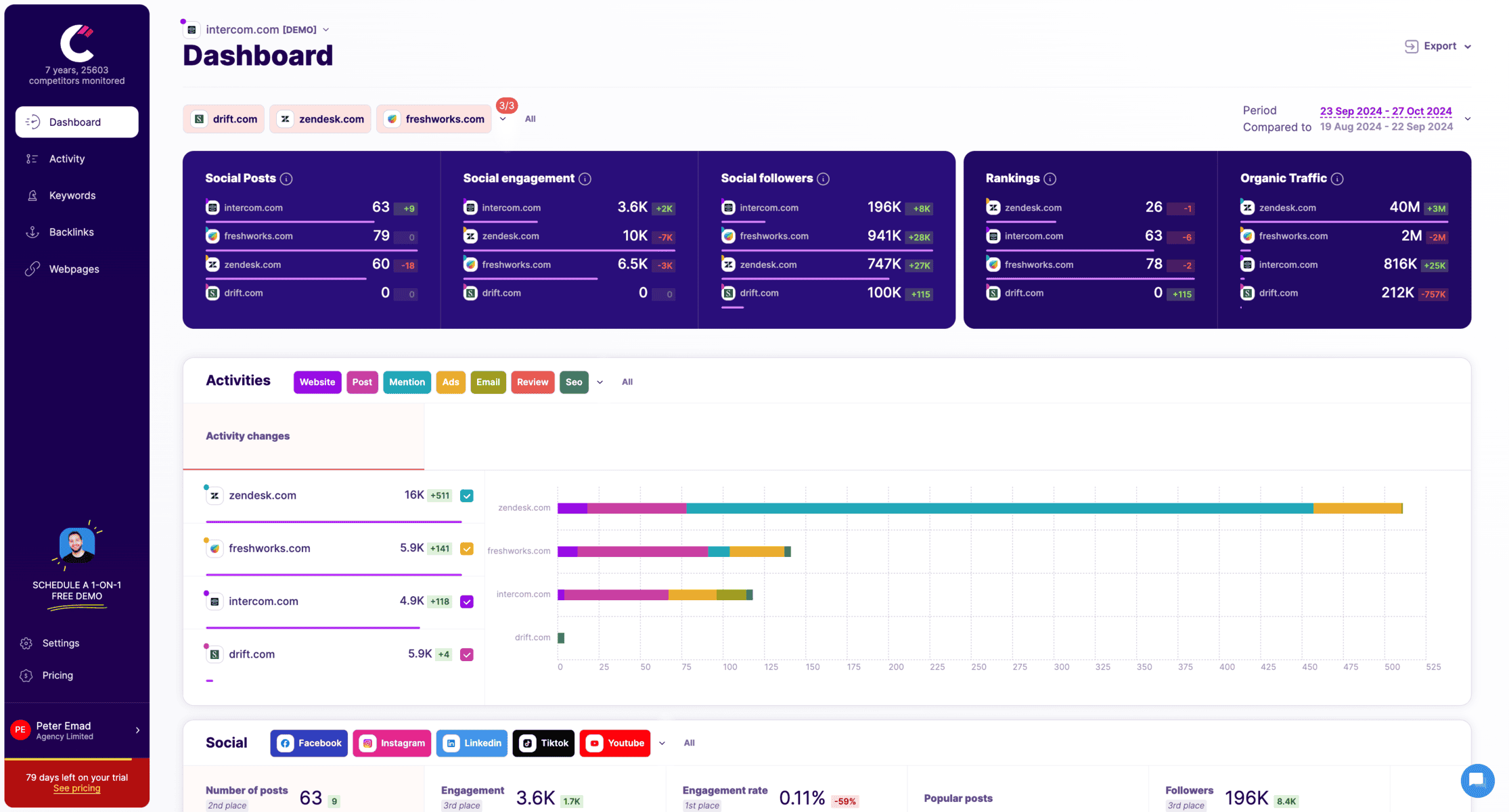
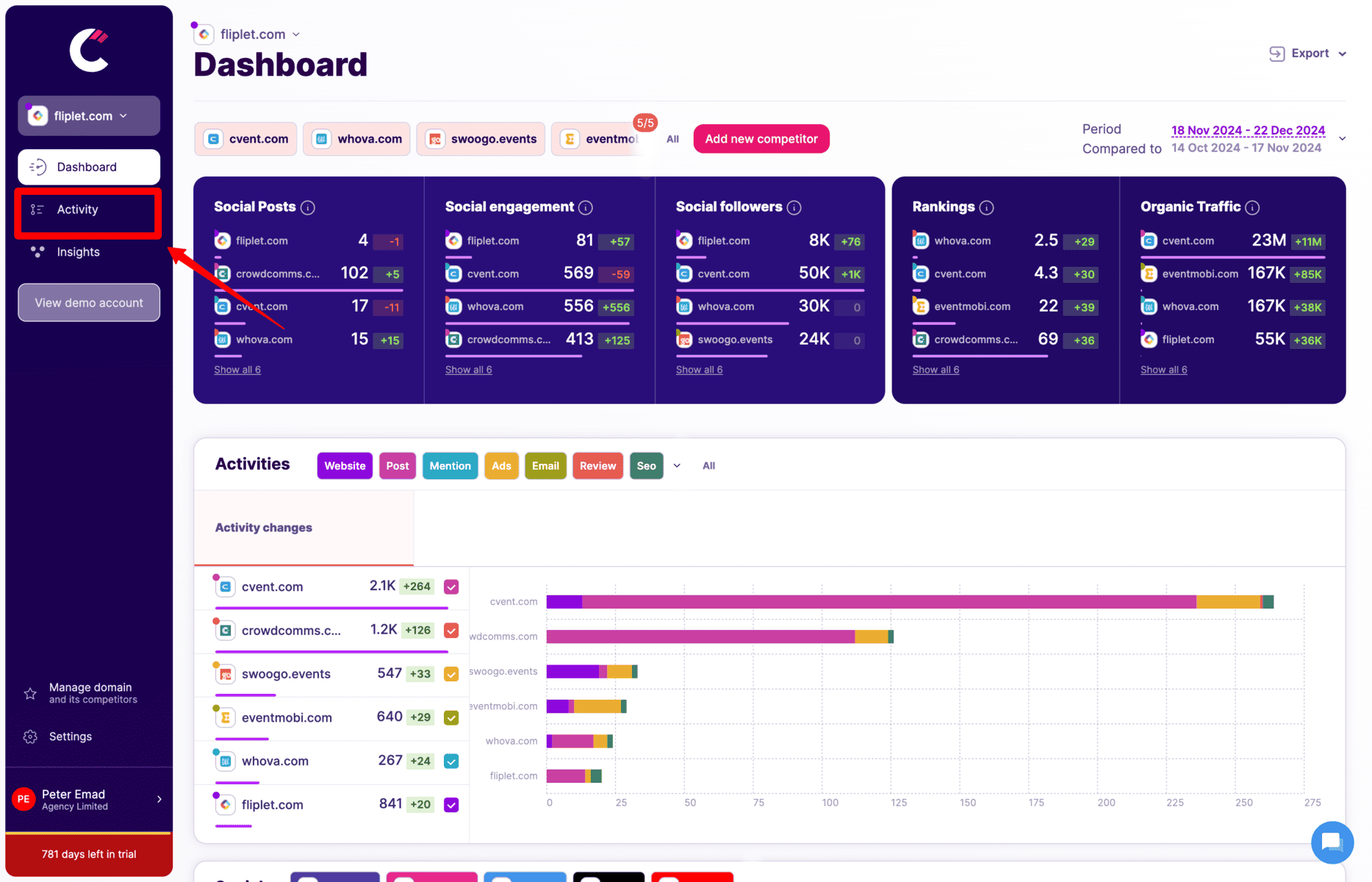
Dashboard

Conducting a social media competitive analysis can be streamlined and efficient with the use of Competitors App that helps you track social media pages easily. . Here’s how to do it:

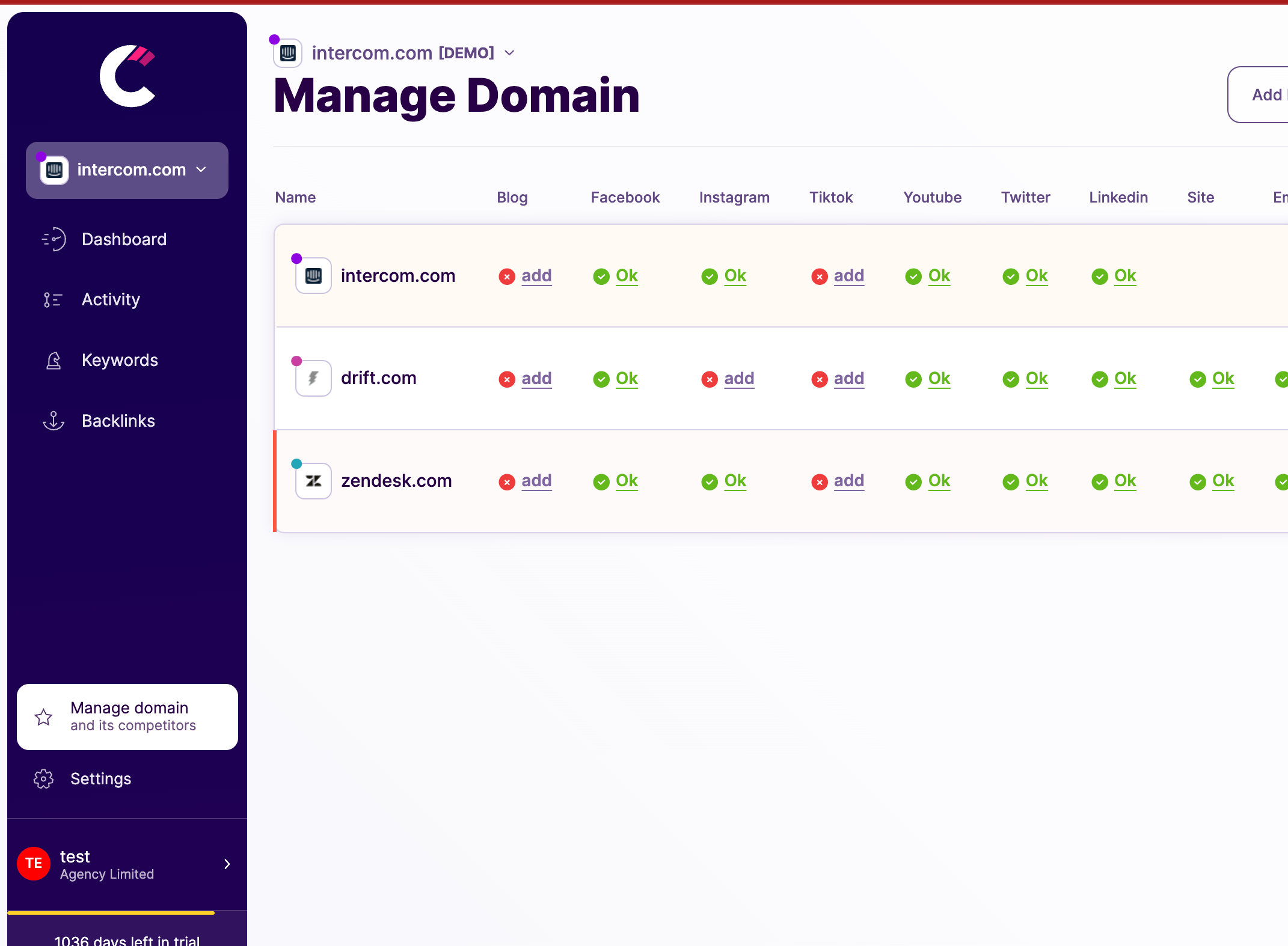
competitors app identify competitors

Step 1: Identify Your Competitors

The first step is to identify who your direct and indirect competitors are. These are the businesses that are vying for the same audience as you.

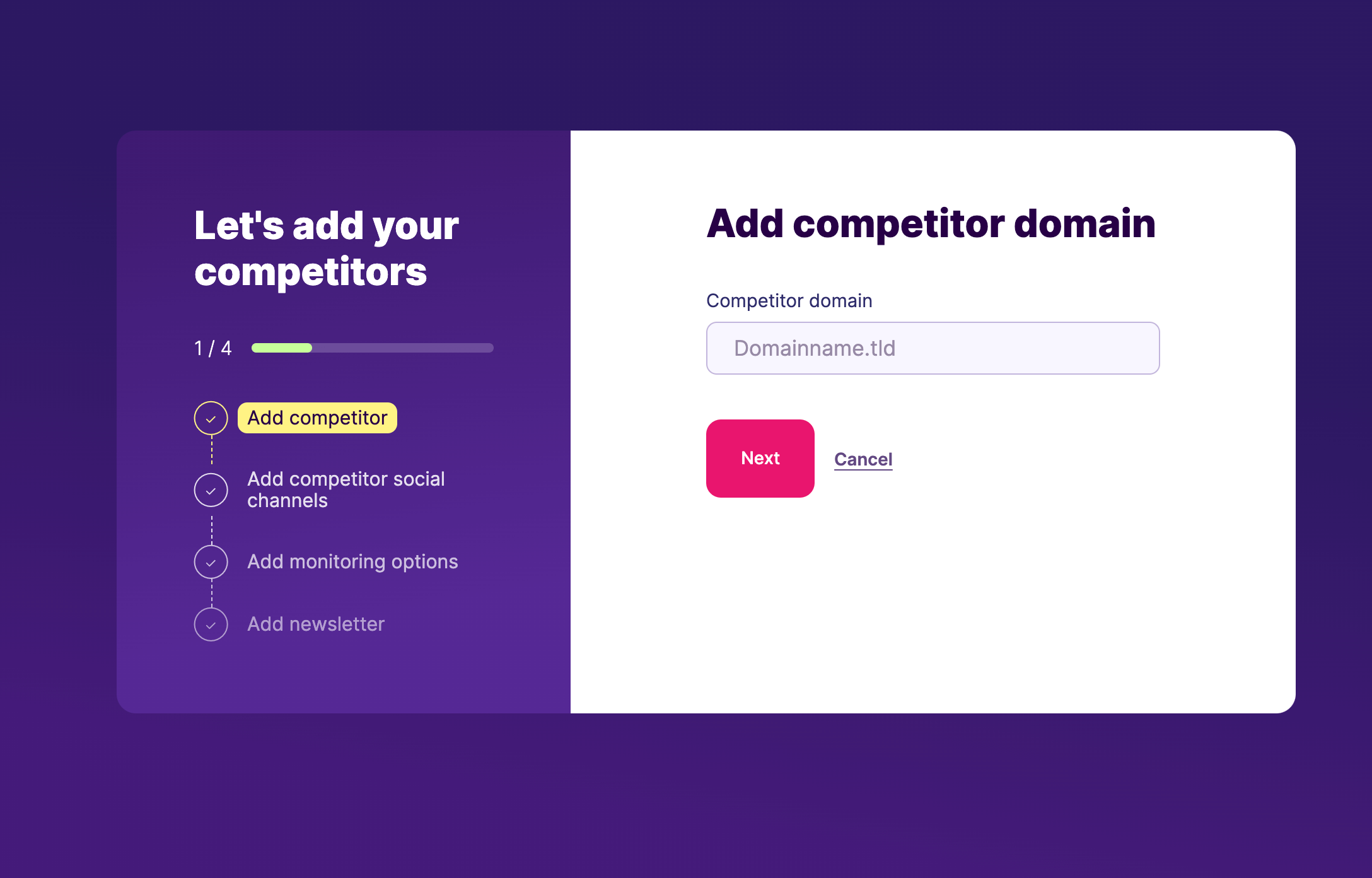
competitors app add competitor

Step 2: Add Your Competitors

Once you have a list of your competitors, add them to Competitors App. This is a straightforward process that allows you to begin tracking their activities.

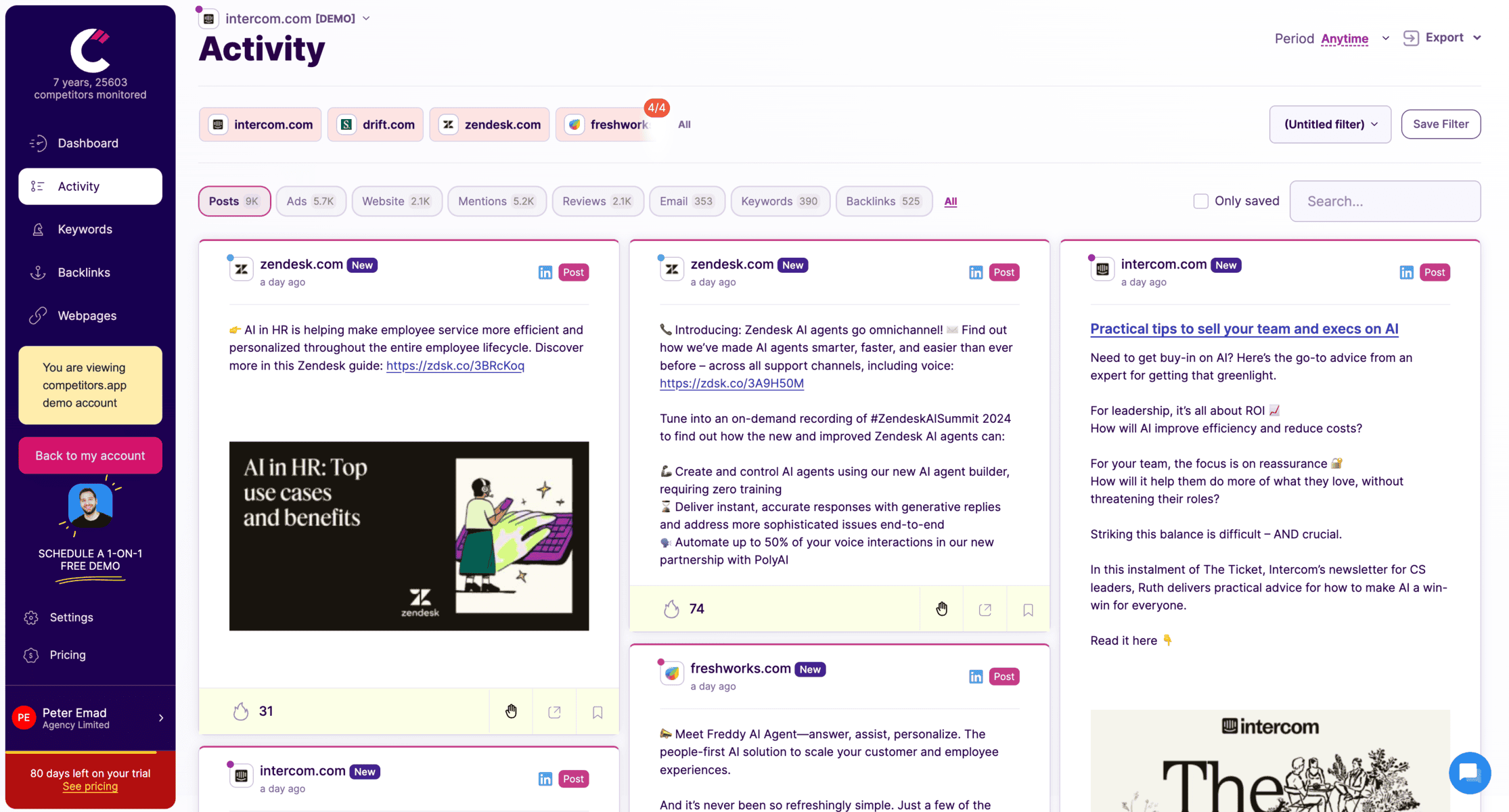
Step 3: Visit the Social Activity Timeline

In the app, navigate to the activity timeline. This feature provides a chronological view of your competitors’ social media posts along with their engagement, follower growth for each post.

analyze competitors posts

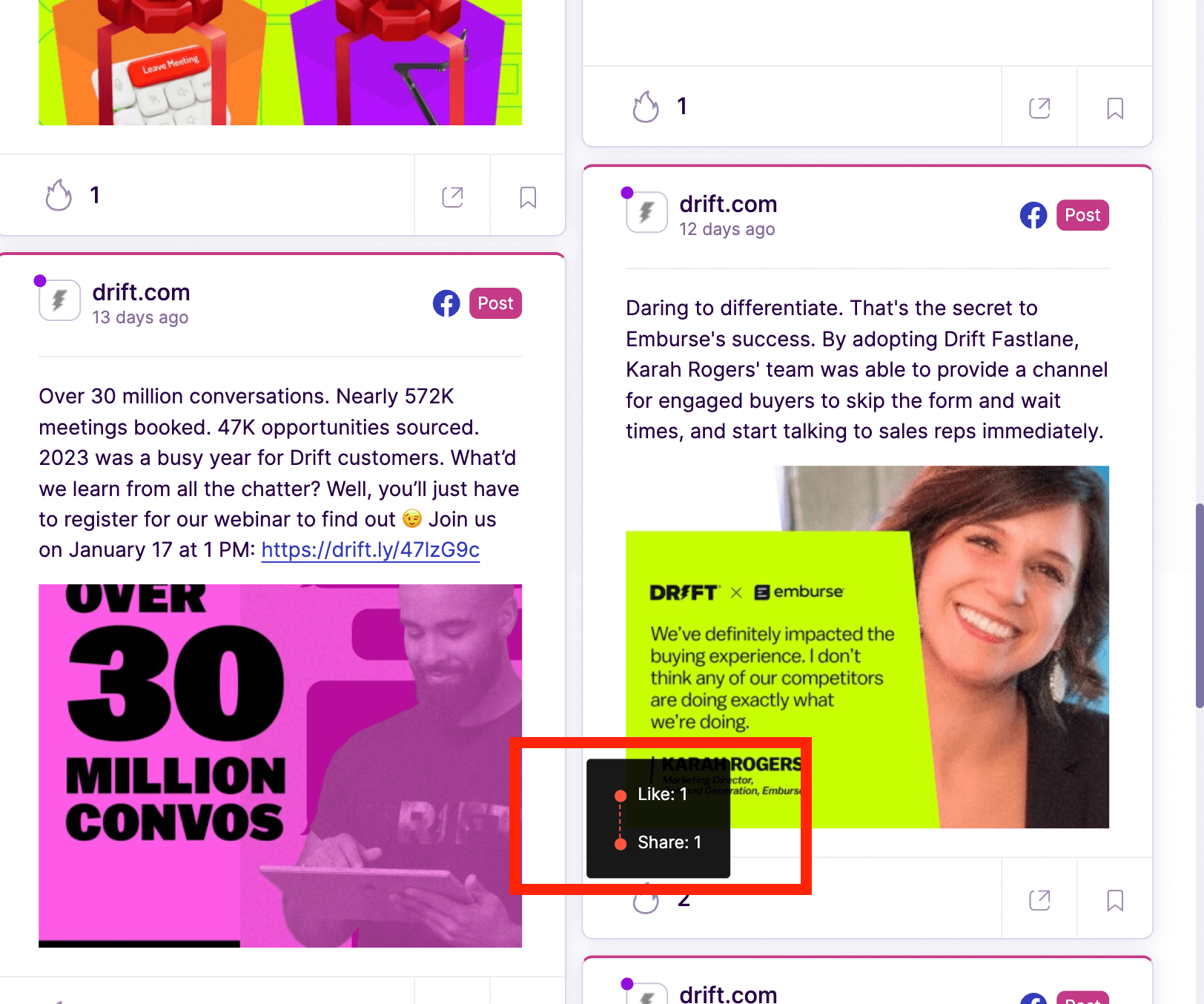
Step 4: Analyze Competitors’ Posts

Examine the content of these posts. Competitors App provides detailed metrics like engagement, likes, shares, and comments, which are crucial for understanding what types of posts are successful or not.

competitors target audience analysis

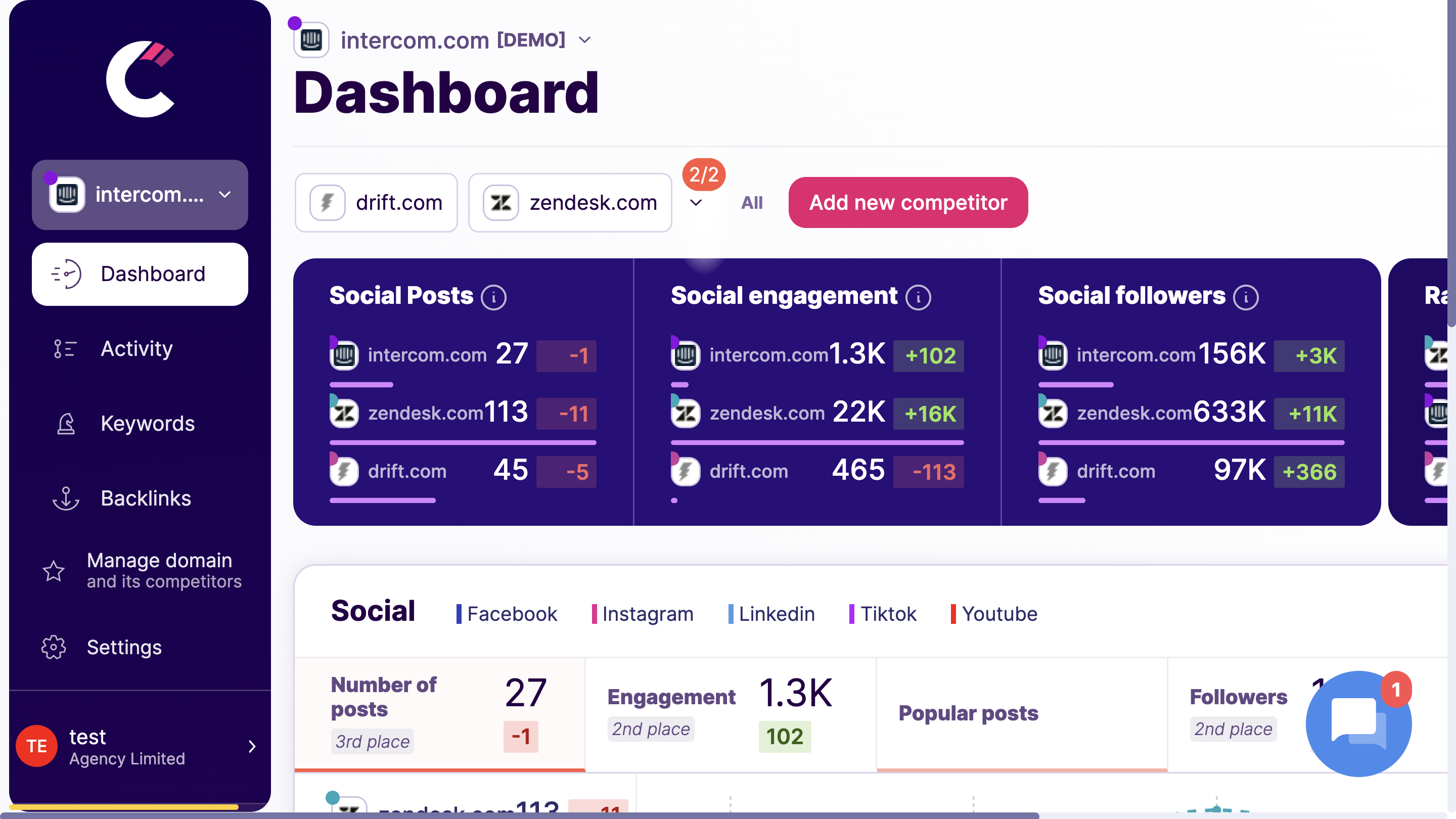
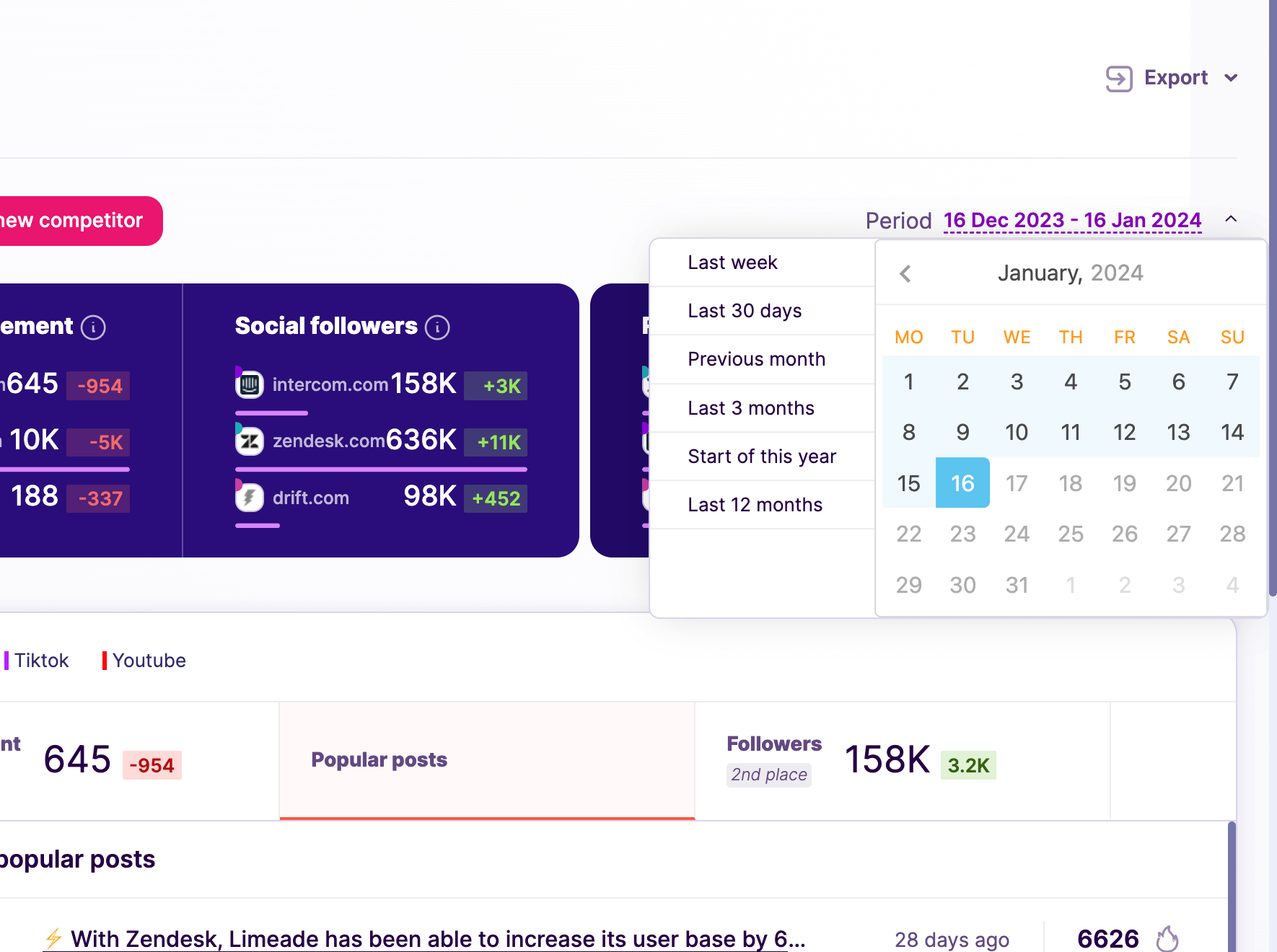
Step 5: Use the Dashboard for Advanced Social Insights

The dashboard in Competitors App offers a comprehensive view of when your competitors are receiving high levels of engagement. You can see which weeks or months they are most active and successful, giving you insights into their posting strategy.

competitors app dashboard most popular posts

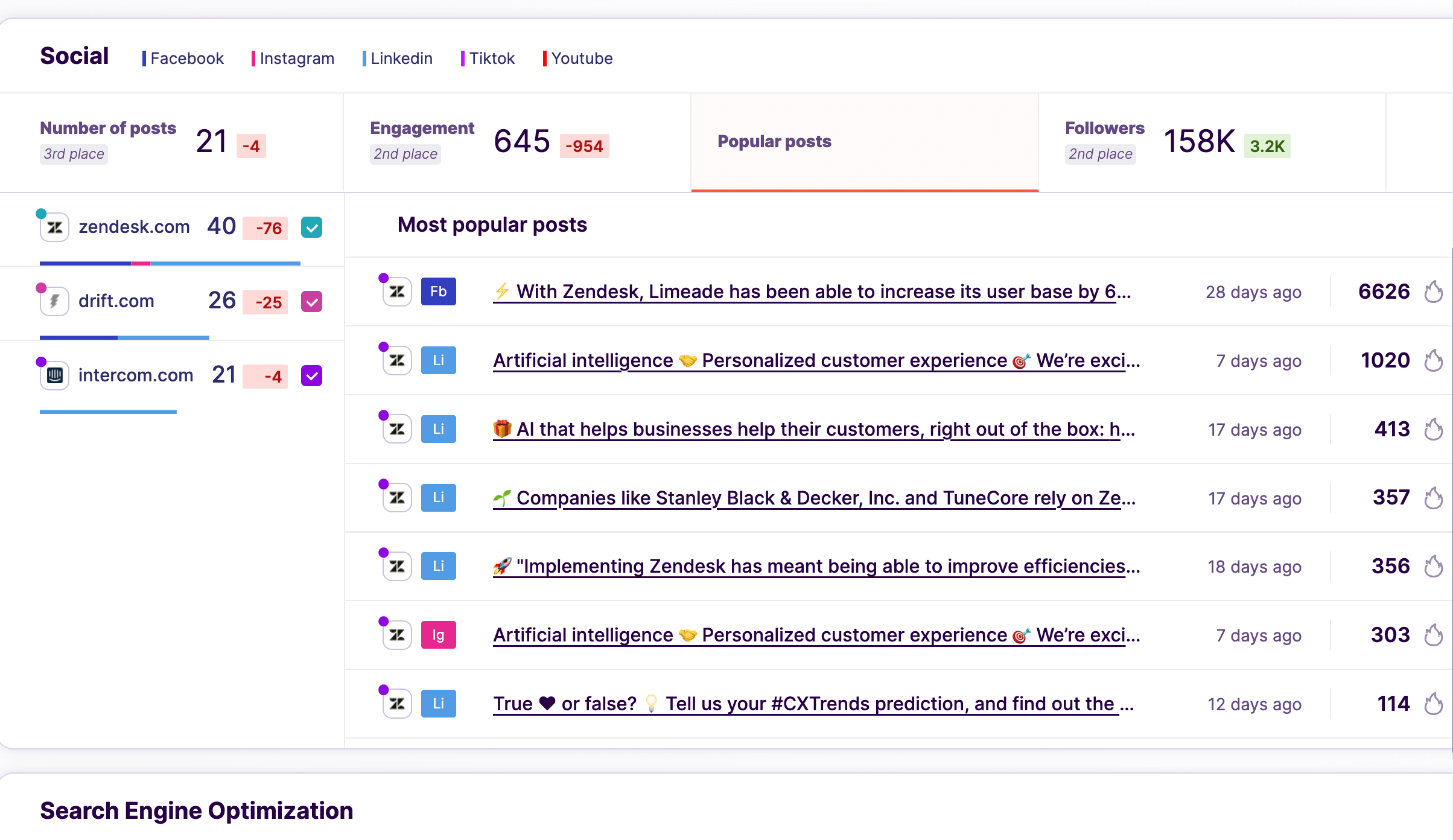
Step 6: Identify their best social media posts per channel

Through this analysis, you'll gain an understanding of which posts resonate with the audience and which don’t. This helps in shaping your content strategy.

competitors app optimal time for engagement

Step 7: Identify the best time and dates for posting

By observing the times when your competitors receive the most engagement, you can better plan when to release your own posts for maximum impact.

By following these steps with Competitors App, you will conduct a thorough analysis of your competitors’ social media strategies. This process not only provides insights into what works for them but also helps you refine your own approach to achieve better engagement and results.

Top Facebook Competitor Analysis Tools

Competitors App

Dashboard

Competitors App is a robust tool designed to provide detailed insights into competitors’ Facebook strategies, including engagement metrics, content performance, and advertising efforts. It simplifies competitor monitoring with real-time updates and reports.

Advantages:

  • Comprehensive competitor tracking across multiple metrics.
  • Real-time alerts for changes in competitor strategies.
  • Intuitive interface for easy navigation.

Disadvantages:

  • Limited customisation for smaller businesses.

Features:

  • Engagement rate analysis.
  • Content performance tracking.
  • Advertising insights and alerts.

Pricing: Starts at $19/month.

linkedin social listening

Tracks competitor social media updates across LinkedIn, Facebook, Twitter, and more.

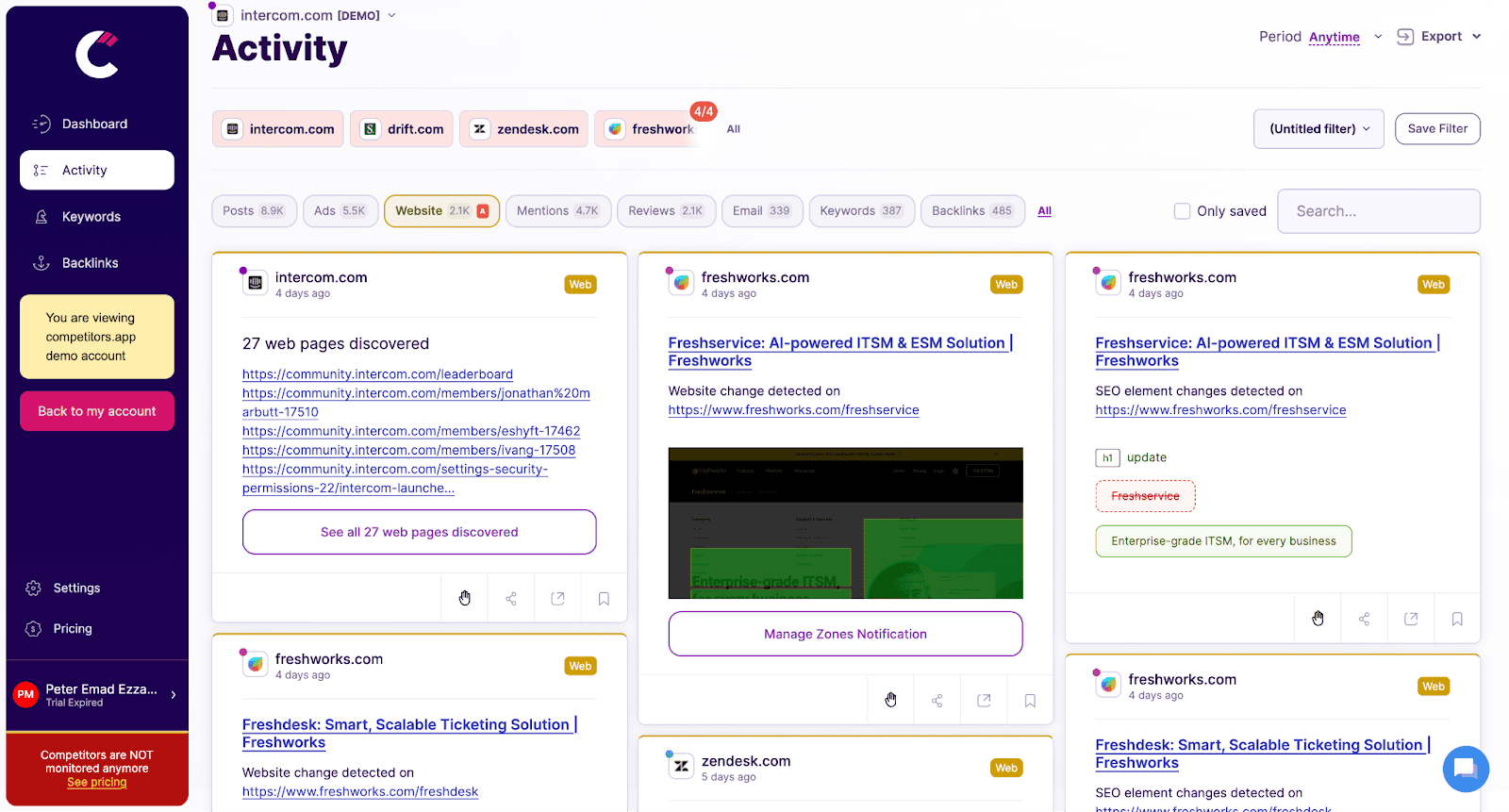
Track Competitor Website Changes in Real Time

Monitors changes on competitors’ websites, such as product updates, pricing adjustments, and new messaging, providing instant alerts to help sales teams respond promptly.

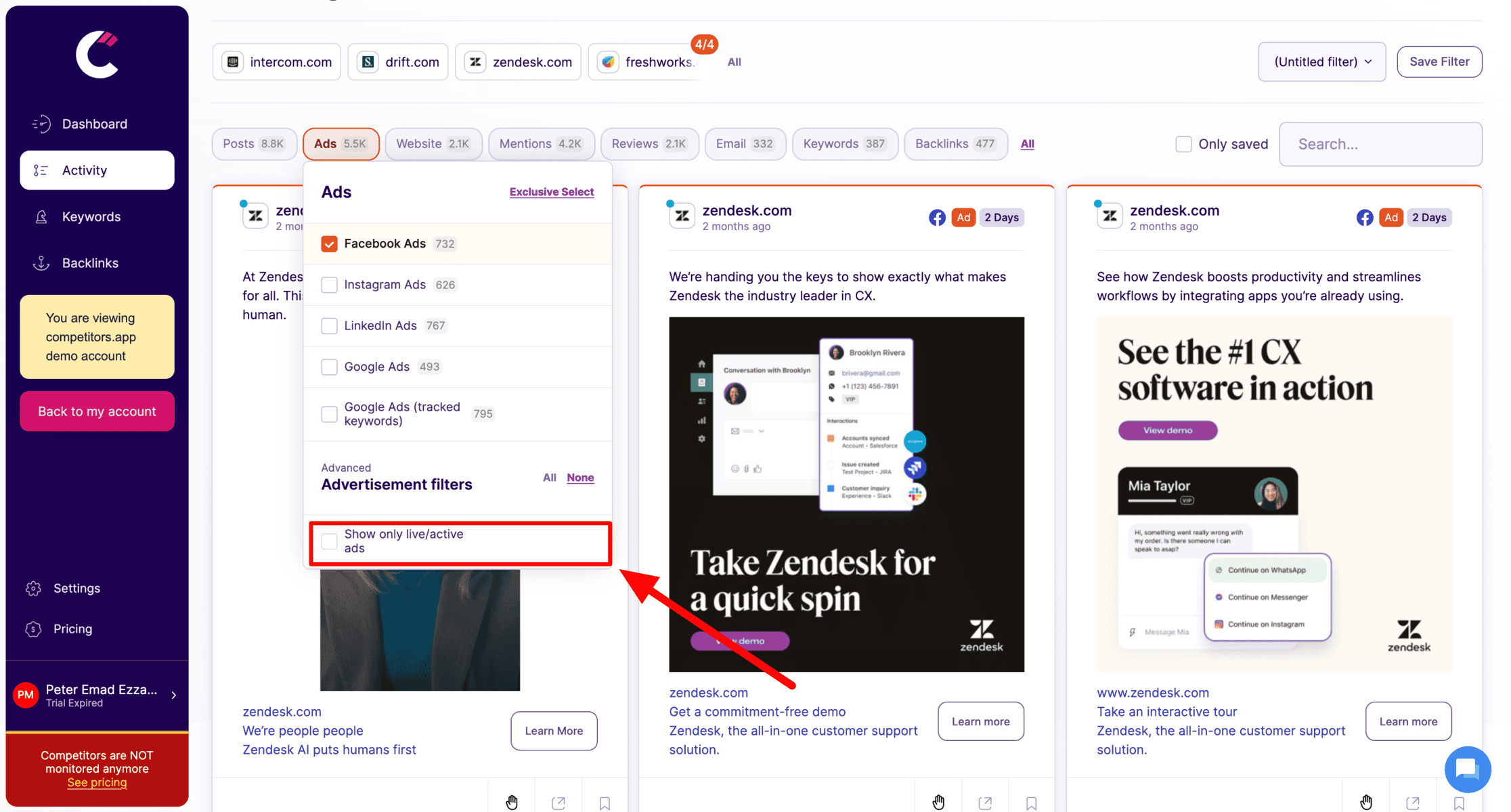
Live Ads Competitors App

Tracks digital ad campaigns across platforms like Google Ads, Facebook, LinkedIn, and Instagram. It provides details on ad creatives, spending, and performance metrics, helping teams analyze successful ad strategies.

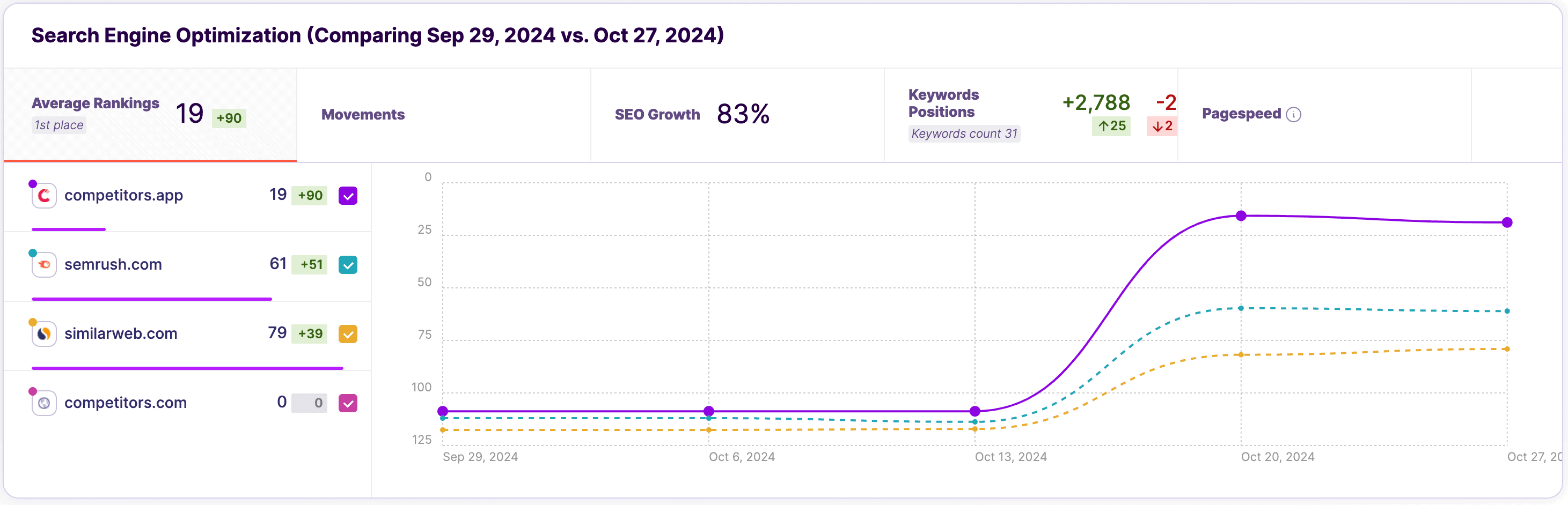
Analyzes competitors’ keyword strategies, organic rankings, and backlinks, allowing teams to refine their own SEO tactics and boost search visibility.

Track Competitor Email Campaigns

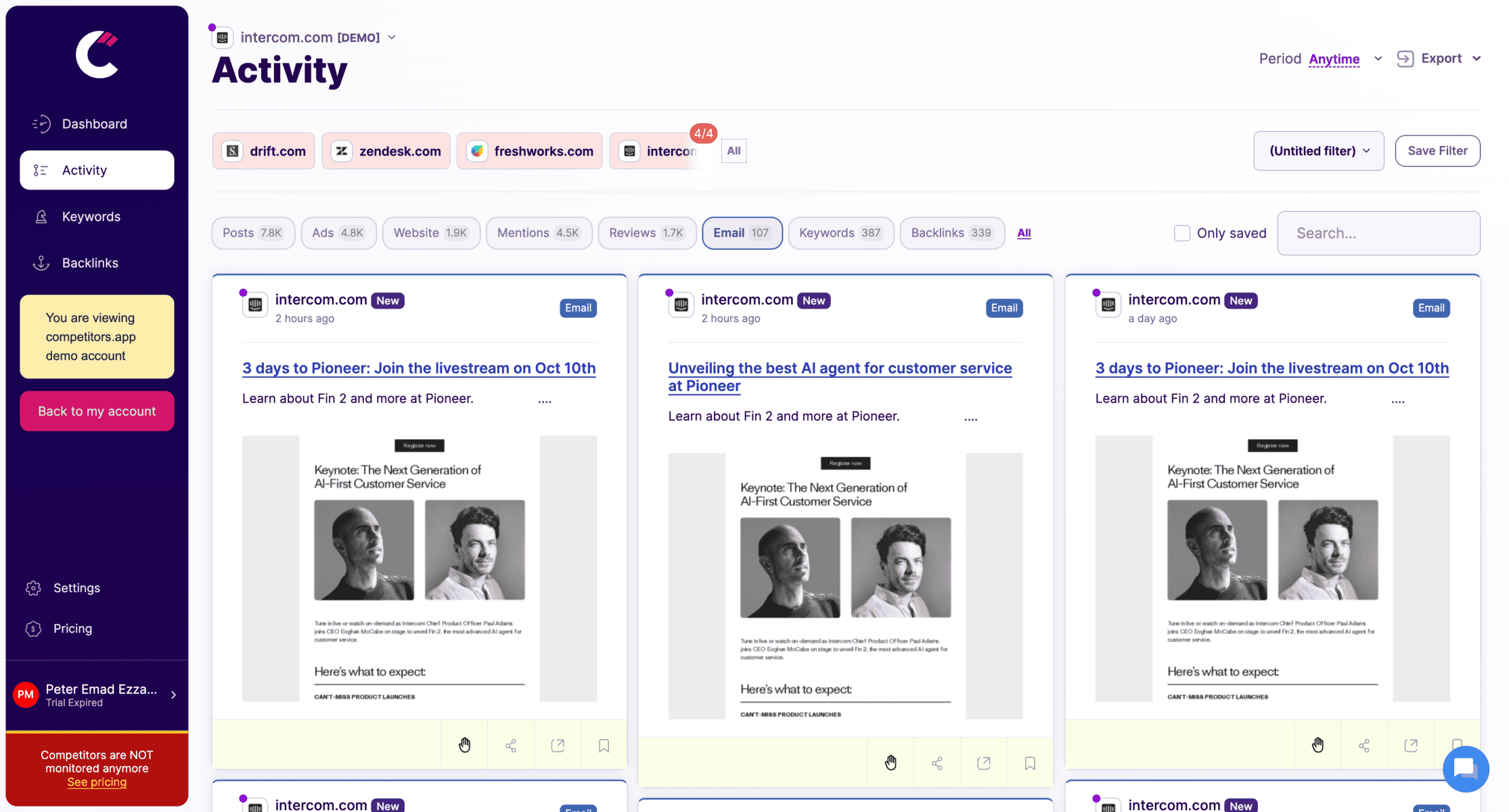
Tracks competitors’ email campaigns, including content, frequency, and engagement metrics, helping sales teams understand email tactics that drive engagement and conversions.

Collect Insights on Customer Satisfaction and Competitor Reviews to Guide Service Improvements

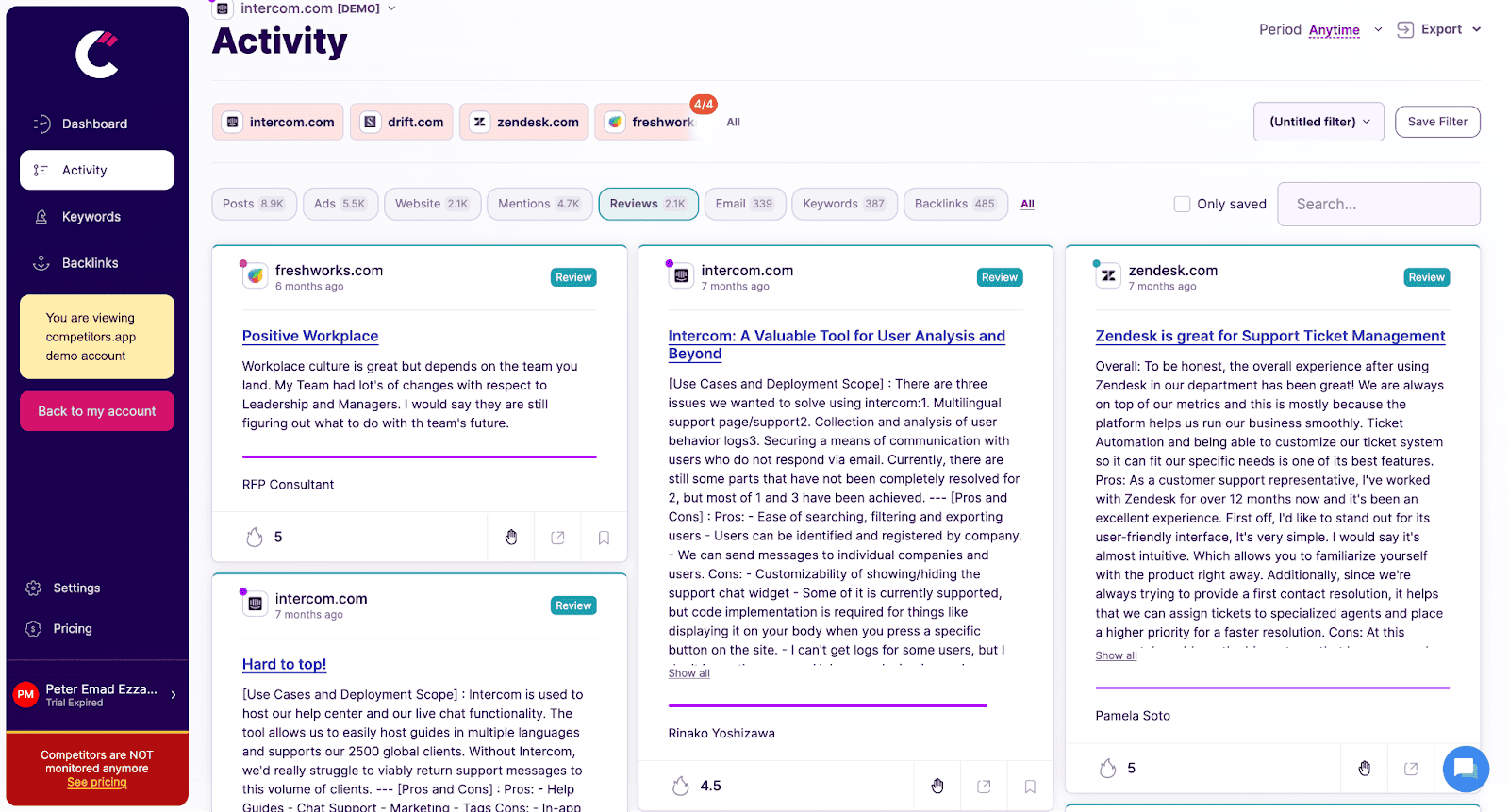
Analyzes customer reviews and ratings for competitors, providing insights into customer feedback, pain points, and product strengths, helping teams craft better sales pitches.

Sprout Social

Sprout-Social

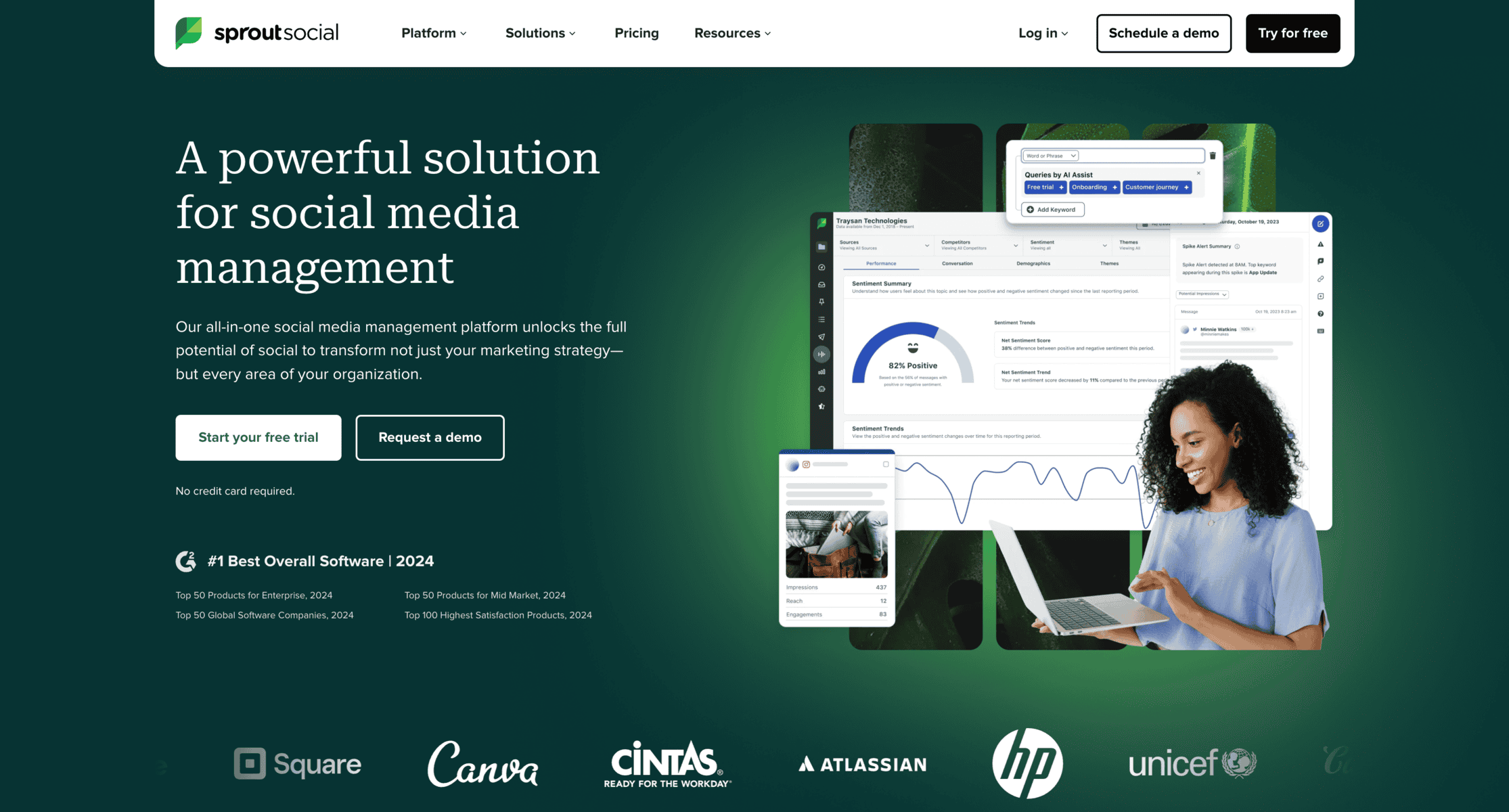
Sprout Social offers a powerful platform for social media management and competitor analysis. It provides in-depth reporting and scheduling features, making it ideal for tracking Facebook competitors.

Advantages:

  • User-friendly interface with detailed analytics.
  • Advanced scheduling options.
  • Cross-platform tracking capabilities.

Disadvantages:

  • Expensive for smaller businesses.
  • Some features require higher-tier subscriptions.

Features:

  • Competitor engagement tracking.
  • Social listening tools.
  • Custom report generation.

Pricing: Starts at $249/month.

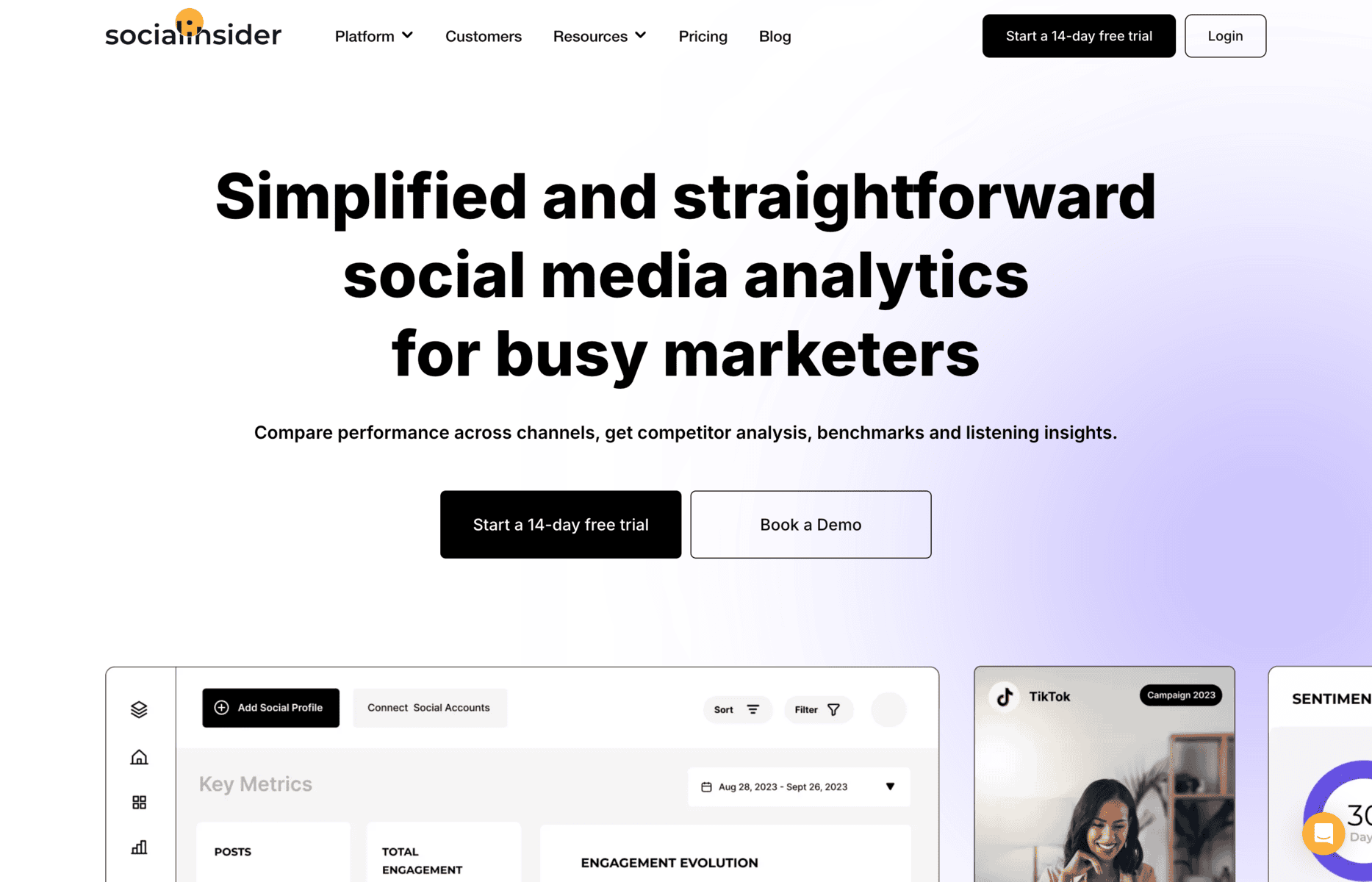
Socialinsider

Socialinsider

Socialinsider is an analytics tool that focuses on delivering engagement benchmarks and detailed reports for Facebook competitor analysis. It’s particularly suited for businesses looking to understand performance metrics.

Advantages:

  • Affordable pricing compared to similar tools.
  • Detailed benchmarking against industry standards.
  • Customisable reports for stakeholders.

Disadvantages:

  • Limited features for advanced advertising insights.
  • Less robust support for cross-platform analysis.

Features:

  • Engagement benchmarks.
  • Post-performance analysis.
  • Audience growth tracking.

Pricing: Starts at $99/month.

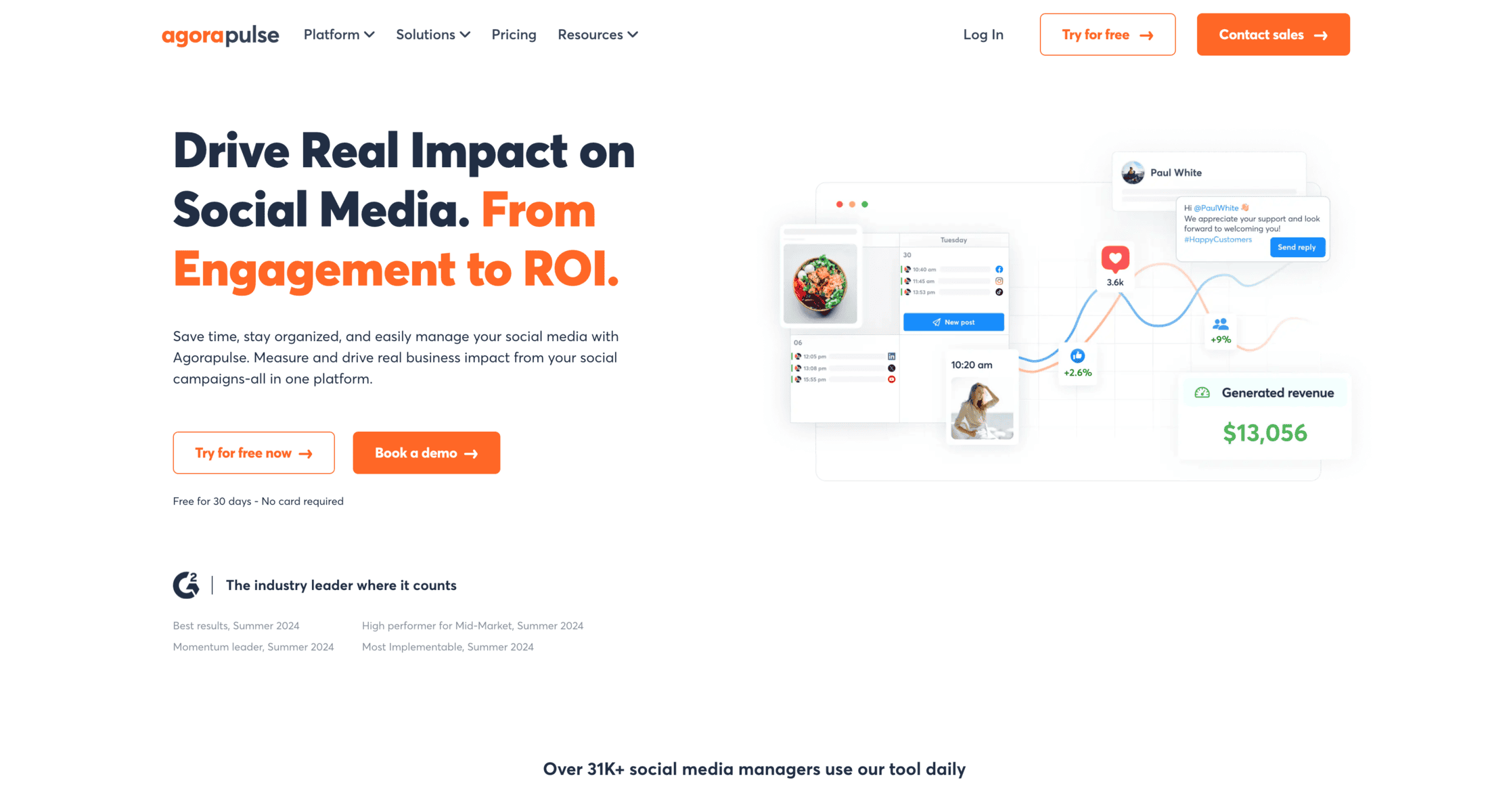
Agorapulse

Agorapulse

Agorapulse is a versatile tool that combines social listening, competitor tracking, and performance reporting. Its user-friendly design makes it accessible for businesses of all sizes.

Advantages:

  • Affordable pricing for small to medium businesses.
  • Integrated social listening features.
  • Effective performance reporting tools.

Disadvantages:

  • Limited integration with non-social media tools.
  • Basic analytics compared to premium tools.

Features:

  • Competitor engagement analysis.
  • Social listening tools.
  • Reporting and analytics dashboards.

Pricing: Starts at $79/month.

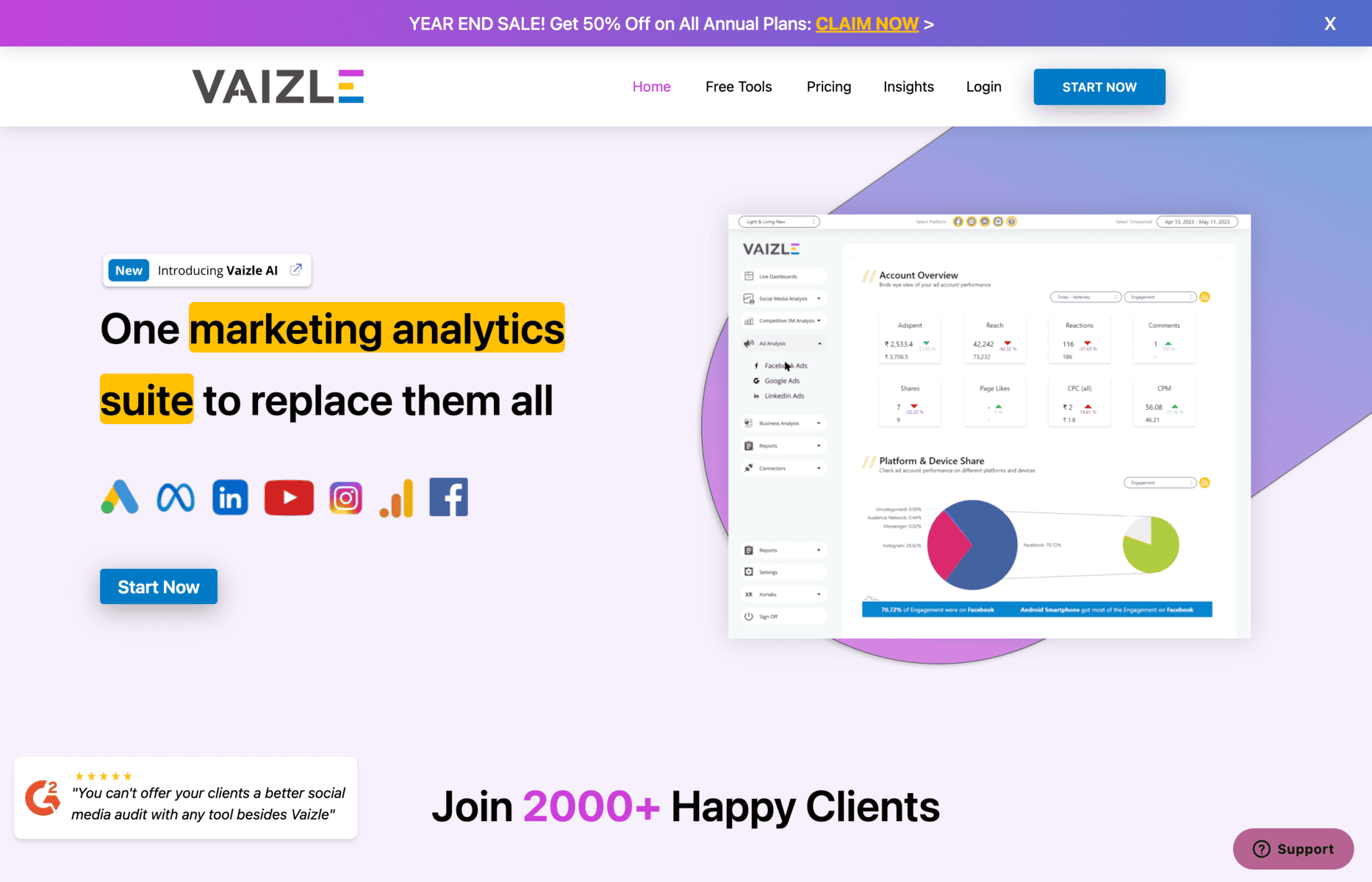
Vaizle

Vaizle

Vaizle is a budget-friendly tool for Facebook competitor analysis, offering essential insights into competitor performance. It’s ideal for small businesses and startups.

Advantages:

  • Cost-effective for startups and small businesses.
  • Easy-to-use interface for beginners.
  • Provides actionable insights for basic analysis.

Disadvantages:

  • Limited advanced features.
  • Not suitable for in-depth advertising analysis.

Features:

  • Basic engagement metrics.
  • Competitor content tracking.
  • Audience insights.

Pricing: Starts at $29/month.

Common Mistakes to Avoid in Facebook Competitor Analysis

  1. Focusing Only on Vanity Metrics: Avoid overemphasising likes and follower counts, as these metrics do not always indicate meaningful engagement.
  2. Ignoring Long-Term Trends: Concentrating only on short-term data can lead to skewed insights. Analyse patterns over time for a comprehensive view.
  3. Failing to Act on Findings: Insights are valuable only if they lead to actionable changes. Ensure findings from competitor analysis translate into tangible strategies to improve your performance.

Frequently Asked Questions

What is competitor analysis on Facebook?

Competitor analysis on Facebook involves studying other businesses’ Facebook strategies to understand their performance, audience engagement, and content effectiveness. This analysis helps identify gaps, improve your strategies, and gain a competitive edge.

How do I identify my competitors on Facebook?

You can identify competitors by researching businesses in your niche, using tools like Facebook Insights and Competitors App, or simply searching for brands that target a similar audience. Look for pages with high engagement and similar offerings.

What tools can I use for free Facebook competitor analysis?

Free tools like Facebook Insights and Competitors App’s free trial are great for basic competitor analysis. These tools provide essential metrics such as engagement rates, post performance, and audience demographics.

How do I measure engagement rates on competitor Facebook pages?

You can measure engagement rates by analysing the total number of reactions, comments, and shares on posts. Tools like Competitors App and Socialinsider automate this process for efficient tracking.

How can I use insights from competitor analysis to improve my strategy?

Insights from competitor analysis can guide your content creation, targeting, and advertising strategies. By understanding what works for competitors, you can replicate successful tactics and fill gaps in your own approach.

Read other competitive articles for your business

  • Competitive Intelligence Business – Competitive intelligence (CI) is a term you may have come across before. Like many industry buzzwords, it isn’t immediately apparent what CI is and how it can be useful to your business. But don’t worry, because we’re going to explain the ins, outs, pros, and cons of CI.

Table of Contents

Monitor your Competitors Automatically

BEST COMPETITORS GUIDES

Monitor competitor website changes
You can get alerted when your competitors are making changes to their website.

Find competitor keywords
Finding your competitors’ keywords is essential for your business. It means that you focus your entire website on targeting high volume, quality keywords.

Track Social Media Pages
Social media competitive analysis is the constant monitoring and analyzing the moves of your competition on social media.

Competitor Email Monitoring
Tracking your competitors’ emails takes some time, but it’s well worth it!

How to do competitor analysis
One important step is to conduct an effective competitive analysis to evaluate your competitors’ brands.

Search
LinkedIn Monitoring: Best Tools & Strategies to Track, Analyze, and Optimize Your Presence

LinkedIn Monitoring: Best Tools & Strategies to Track, Analyze, and Optimize Your Presence

What is LinkedIn Monitoring and Why Does It Matter?

Alright, let’s cut to the chase—LinkedIn monitoring is like having a digital detective on speed dial for your brand, your competitors, and your industry. It’s not just about scrolling through your feed and catching random updates. We’re talking about tracking who’s talking about you, what your competitors are up to, and which trends are shaping your niche.

Think about it: if someone name-drops your brand in a post, wouldn’t you want to know? Or if a competitor suddenly starts getting crazy engagement on a new content format, wouldn’t it be nice to reverse-engineer what they’re doing? That’s the power of LinkedIn monitoring. It helps you:

  • Track brand mentions (so you can jump into relevant conversations)
  • Monitor competitor activities (because knowledge is power, my friend)
  • Analyze industry trends (before they become old news)
  • Optimize engagement (by seeing what actually works on LinkedIn)

And honestly, if you’re not monitoring LinkedIn, you’re flying blind in a space where insights = opportunities. Anyway, let’s break down how to actually do this without spending your entire day glued to LinkedIn.

How to Track Your Competition Using Our Free…
YouTube Monitoring: Best Tools & Strategies to Track, Analyze, and Optimize Your Presence

YouTube Monitoring: Best Tools & Strategies to Track, Analyze, and Optimize Your Presence

What is YouTube Monitoring and Why Does It Matter?

Alright, picture this: You drop a new video, hit publish, and… crickets. Meanwhile, your competitor’s cat video goes viral. HOW? That’s where YouTube monitoring sneaks in – it’s like having a security camera for your channel (minus the creepy vibes).

Here’s the deal: YouTube monitoring tracks EVERYTHING – views, comments, trends, even when Karen from Wisconsin drags your brand in a rant review. (Yes, Karen matters. Sigh.) For creators, it’s your secret weapon to spy on competitors (ethically, cough), spot trends before they’re stale, and fix flops faster than you can say “algorithm change.”

Funny story – Sprout Social’s 2023 research found that 65% of marketers say social listening (aka monitoring) is critical for staying ahead. Why? Because guessing sucks. Monitoring tells you why your ASMR unboxing video tanked, when your audience is binge-watching, and how to clone your competitor’s success (without looking thirsty).

PSA: This isn’t just about vanity metrics. It’s survival. Miss a hate-comment spiral? Boom – reputation nosedive. Ignore trending keywords? Bye, relevancy. But nail monitoring? You’re basically Neo dodging bullets in the Matrix.

(Side note: If you’re not doing this yet, we need to talk. But first – coffee. Always coffee.)

How to Track Your Competition Using Our Free…

Facebook Monitoring: Best Tools & Strategies to Track, Analyze, and Optimize Your Presence

What is Facebook Monitoring?

Alright, picture this: You post something on Facebook—maybe a witty meme, a product update, or just a random thought you’re convinced is golden—and then… crickets. One like (from your mom), a weird spam comment, and absolutely no traction. What gives?

That’s where Facebook monitoring steps in. Think of it as your digital radar, tracking everything happening with your profile, page, or group. Who’s engaging? What kind of posts actually get people talking? Are your updates reaching the right audience, or are they getting lost in Facebook’s endless scroll-fest?

Without it, you’re basically throwing content into the void and hoping something sticks. With it? You get real insights—what’s working, what’s flopping, and how to tweak your strategy so you’re not just talking to yourself.

Understanding Facebook Activity Tracking

Alright, so we’ve established that Facebook monitoring is basically your secret weapon for figuring out what’s working and what’s flopping. But what exactly should you be tracking? And how do you make sure you’re not spending hours glued to your screen like a social media detective?


How to Monitor Facebook Activity Efficiently

The trick to smart Facebook monitoring isn’t just watching every like, comment, and share—it’s knowing what actually matters and using the right tools to do the heavy lifting. Here’s how to do it without losing your mind:

  1. Set Up Alerts – Facebook won’t always notify you when your brand is mentioned, so tools like Meta Business Suite, Brand24, or Mention can keep you updated in real-time. (Think of it as having a friend who texts you every time someone talks about you.)

  2. Track Engagement Trends – Don’t just look at numbers—analyze when people interact with your posts the most. Posting randomly is like fishing in an empty pond; find your peak engagement hours and schedule posts accordingly.

  3. Monitor Competitors – If your competitors’ posts are getting crazy engagement while yours are flopping, it’s time to investigate. Tools like Competitors.App help you track what’s working for them so you can adjust your strategy.

  4. Keep an Eye on Comments & Messages – Engagement isn’t just about how many people react to your posts; it’s also about how fast you respond. Facebook favors active pages that interact with their audience. (Translation: reply to those DMs and comments before they forget you exist.)

  5. Use Facebook Insights – It’s free, it’s powerful, and if you’re not using it, you’re missing out. Insights show you reach, impressions, post-performance, and audience behavior—basically, everything you need to fine-tune your content strategy.


Differences Between Monitoring a Facebook Page, Facebook Profile, and Facebook Group

Here’s the thing: Facebook monitoring isn’t one-size-fits-all. The way you track a Page is completely different from how you monitor a Profile or Group. If you’re using the wrong approach, you could be missing key data.


Facebook Page Monitoring (For businesses, brands, and creators)

  • Pages are public, meaning anyone can see and engage with your content.
  • You get detailed analytics (reach, impressions, audience insights, and post-performance).
  • Ideal for businesses running ads, scheduling content, and tracking engagement trends over time.
 

Facebook Profile Monitoring (For personal tracking & influencers)

  • Profiles are private (or semi-private)—you can only monitor interactions from friends or followers.
  • No built-in analytics (because Facebook wants you to use Pages for business), so tracking is manual unless you use third-party tools.
  • Best for influencers, public figures, or individuals tracking engagement and security.
 

Facebook Group Monitoring (For community growth & moderation)

  • Groups function more like discussion forums—they thrive on member interactions.
  • You can track engagement levels, active members, and discussion trends, but only if you’re an admin.
  • Great for businesses running communities, since Facebook prioritizes Group content in feeds (yes, Facebook really wants you to use Groups).
 

What Data Can You Track with a Facebook Activity Tracker?

If you’re serious about Facebook monitoring, you need to know what kind of data you can actually track. And trust me, it’s more than just counting likes.

Here’s what a solid Facebook activity tracker can monitor:

  • Engagement Metrics – Likes, shares, comments, reactions (because an angry “😡” means something very different from a heart “❤️”).
  • Mentions & Tags – When someone talks about you or tags your brand (whether it’s praise or a full-blown complaint).
  • Reach & Impressions – How many people saw your post vs. how many just scrolled past it.
  • Click-Through Rates (CTR) – Did anyone actually click on your post, or did they just ignore it?
  • Conversion Tracking – If you’re running ads, are people actually buying or signing up?
  • Competitor Insights – What’s working for others in your niche? Are they getting insane engagement while yours is meh?
 

In short, Facebook monitoring isn’t just about spying on likes—it’s about tracking patterns, understanding what works, and using that data to actually improve your strategy. Because let’s be real: posting blindly and hoping for the best? That’s just a waste of time.

3 Reasons to Monitor Facebook Activity…